Phantom VPN
for Android.
A native Kotlin app that opens a WireGuard tunnel to an independently operated node. The key that encrypts it is made on your phone and never leaves it. Free to start.
Version 1.0.0. Requires Android 8.0 or later, API level 26. Direct APK coming soon.
- Requires
- Android 8.0+
- Tunnel
- WireGuard
- Your keys
- On-device
- Version
- 1.0.0
- Built in
- Kotlin
- Countries
- 15+
The build published on Google Play
Jetpack Compose, not a web wrapper
Nodes run by independent operators
Where to get it.
Google Play
The recommended route. Updates arrive on their own.
Phantom VPN 1.0.0 for Android 8.0 or later. Published by Capx Ecosystem Apps FZE under com.shippo.phantom, so you can check you are installing ours and not a copy.
Get it on Google PlayDirect APK
Coming soon.
We are preparing a direct APK for devices that cannot use Play services. It is not published yet, so Google Play is the only route today. This page is where it will appear.
Direct APK coming soon. Anything offering a Phantom VPN APK elsewhere is not from us.
Installed and connected in about a minute.
Nothing to configure. The only decision is which country you want to come out of.
Get it on Google Play- 01
Open the Google Play listing and tap Install.
- 02
Open Phantom VPN and sign in with an email code, Google, or Apple. Premium you already bought is active as soon as you sign in.
- 03
Tap Connect. Android asks once for a VPN connection request, because the tunnel is installed at system level. Tap OK.
- 04
Pick a country from the list, or let Phantom choose the fastest healthy node.
System requirements.
- Version
- 1.0.0
- Requires
- Android 8.0 or later
- Minimum SDK
- API level 26
- Tunnel
- WireGuard
- Languages
- 10
- Publisher
- Capx Ecosystem Apps FZE
What the Android build does for you.
A real Kotlin app
Written natively for Android with Jetpack Compose. Not a web page in a wrapper, and not a port of the iPhone app.
Every app is routed
Full-tunnel routing. Chrome, your mail client and every other app go through the tunnel, not just the browser.
Your key stays on the phone
A fresh Curve25519 keypair per connection. The private half is stored on the device and never leaves it. Only the public key reaches the node.
Automatic failover
Nodes are ranked by measured latency before you connect. A node that fails its handshake is sidelined for 120 seconds while Phantom tries the next, up to three attempts.
Countries, listed plainly
Switch node whenever you like, grouped by country. More than 15 countries typically have one online.
Ten languages
English, German, Spanish, French, Italian, Japanese, Korean, Portuguese, Russian and Swedish. The whole app, not just the buttons.
Auto-reconnect on network change is not on Android yet. It is available on iPhone and iPad today.
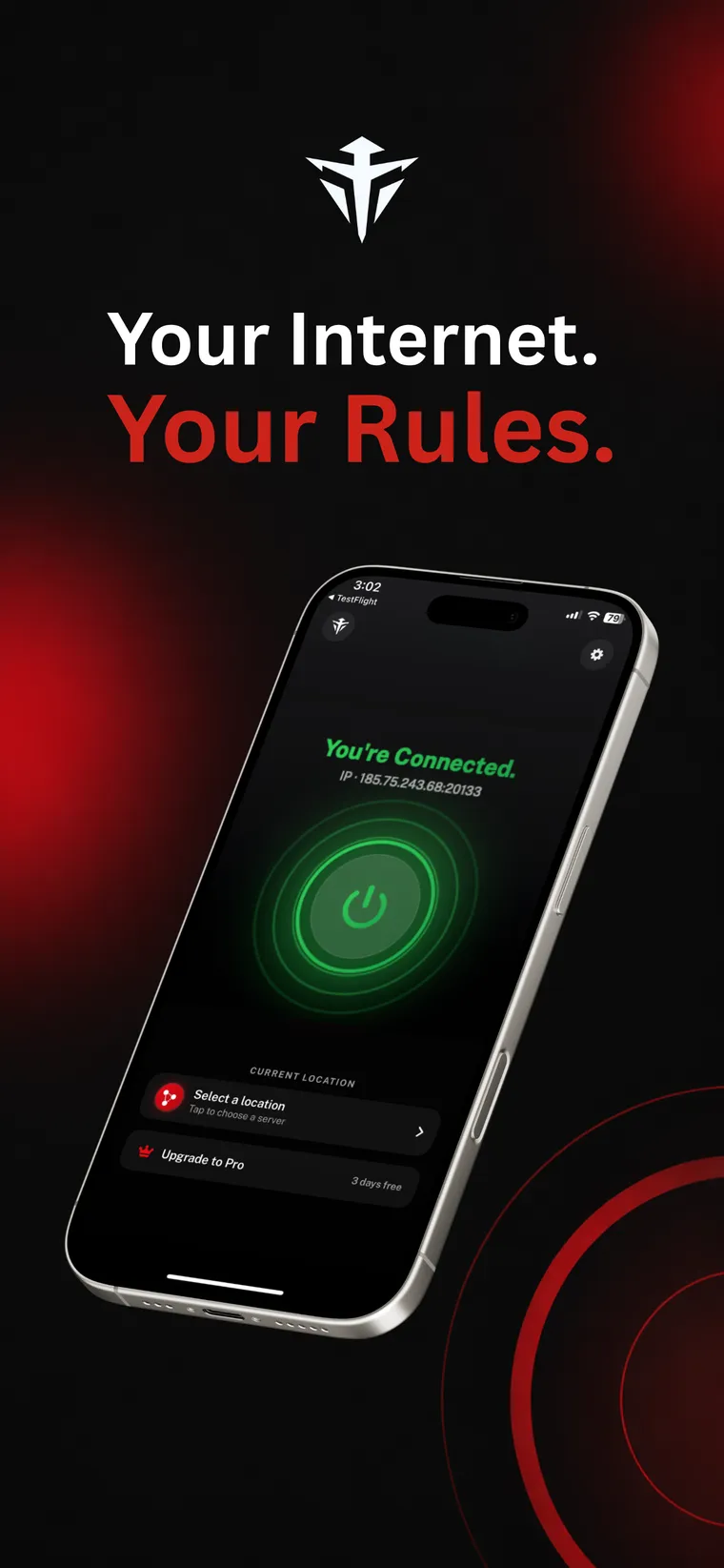
ConnectedThe app shows the IP you were given. 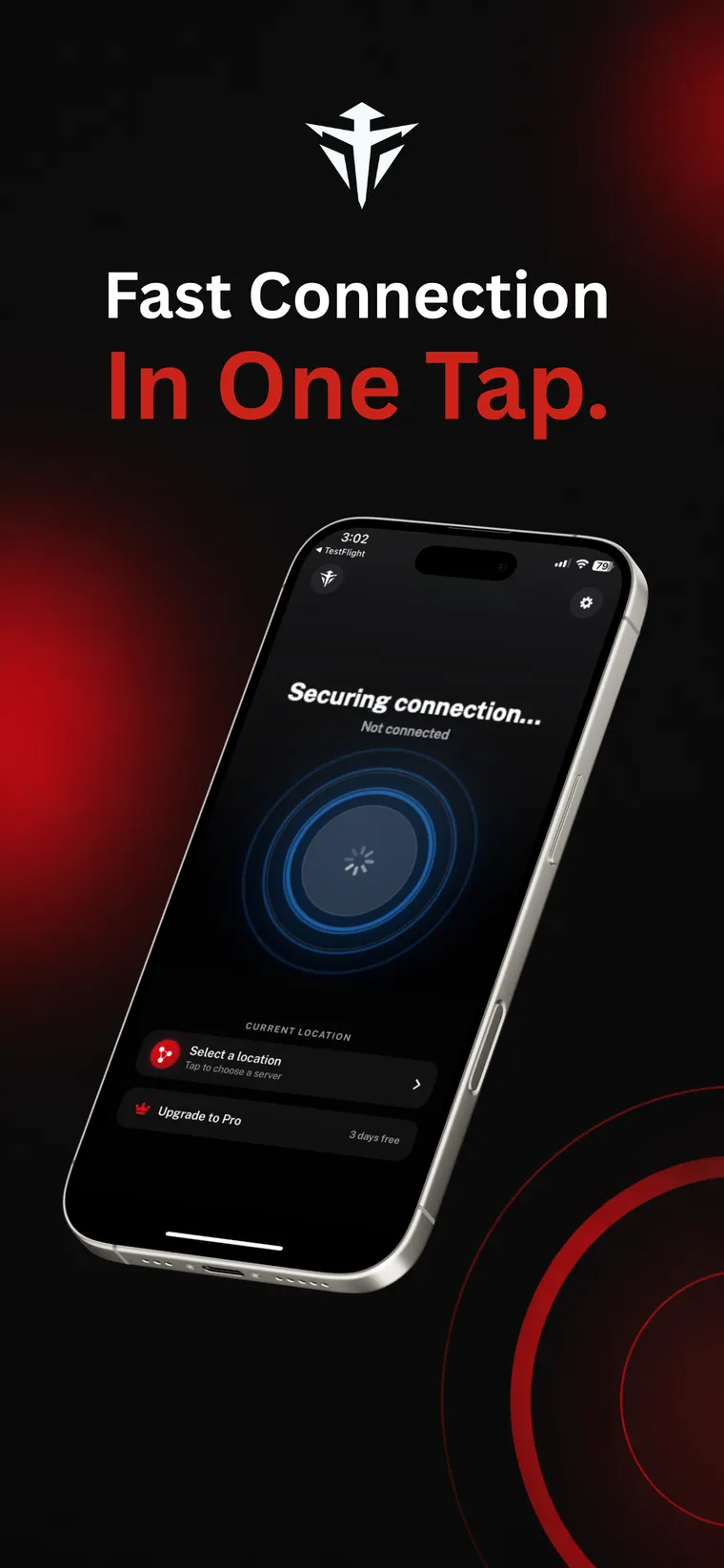
ConnectingNodes ranked by latency, fastest first. 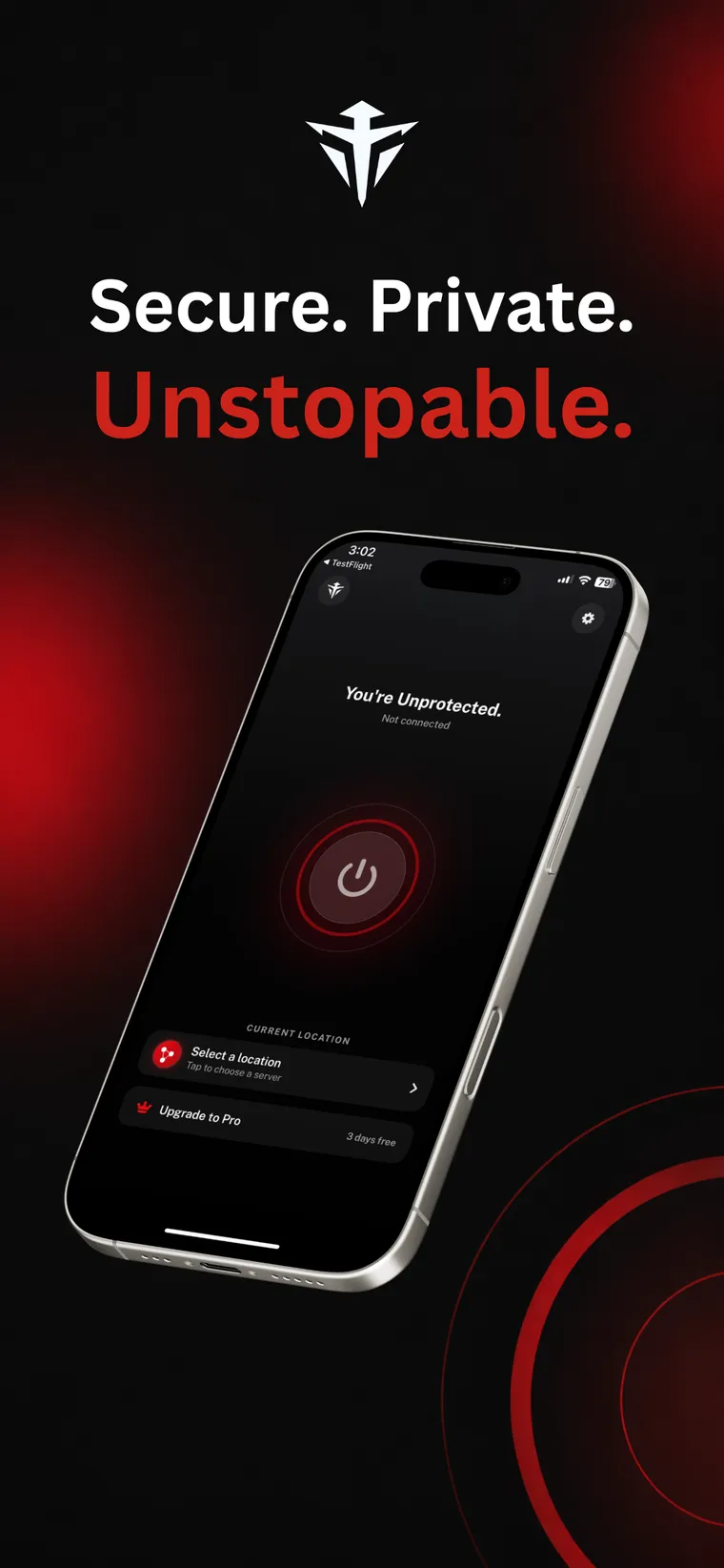
Not connectedRed means exposed. Green means protected.
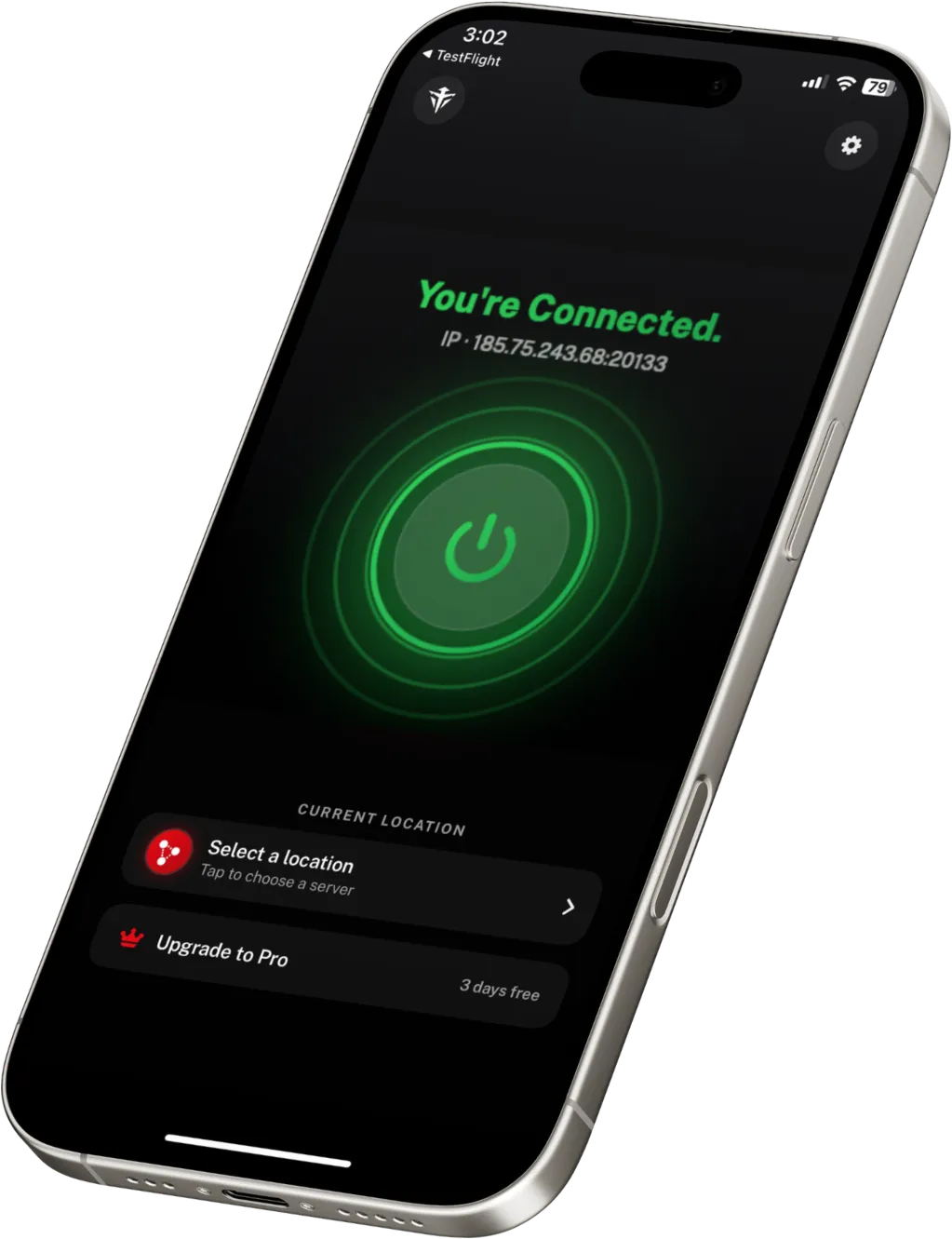
These previews are from the iPhone app. The Android app is a separate Kotlin build that follows the same design, so the screens read the same on your phone.
All featuresAndroid questions
Can I install Phantom VPN without Google Play?
Not yet. Google Play is the only route today. A direct APK is on the way for devices without Play services, and it will appear on this page when it is ready.
Does the tunnel reconnect automatically when my network changes?
Not on Android yet. Auto-reconnect on network change is available on iPhone and iPad today, and it is coming to Android. For now, if you move between Wi-Fi and mobile data, reconnect from the app.
Which Android versions are supported?
Android 8.0 or later, which is API level 26. Phantom VPN 1.0.0 will not install below that, because the tunnel relies on platform VPN APIs that older releases do not have.
Why does Android ask to allow a VPN connection?
Because a tunnel has to be established at system level rather than inside one app. Android shows that connection request the first time you connect and you approve it once. That is what routes every app on the phone through WireGuard, and it is also why you see the key icon in your status bar while connected.
Take the company out of your connection.
Free to start. Premium from $5.00 a month billed yearly, with a 7 day free trial.