Phantom VPN
for iPhone.
One tap opens a WireGuard tunnel to an independently operated node. The key that encrypts it is made on your iPhone and stays in the keychain. Free to start.
Version 1.0. Requires iOS 17 or later. Universal, so the same purchase covers iPad.
- Version
- 1.0
- Requires
- iOS 17.0
- Auto-reconnect
- Built in
Universal, so one purchase covers iPad
Free to download from the App Store
Off until you switch it on in settings
Installed and connected in about a minute.
Nothing to configure. The only decision is which country you want to come out of.
Get it on the App Store- 01
Open the App Store listing and tap Get.
- 02
Open Phantom VPN and sign in with an email code, Google, or Apple.
- 03
Tap Connect. iOS asks once to add a VPN configuration, because the tunnel is installed at system level. Allow it and confirm with Face ID or your passcode.
- 04
Pick a country from the list, or let Phantom choose the fastest healthy node.
- 05
Optional: turn on auto-reconnect in settings so the tunnel re-establishes itself when your network changes. It is off until you switch it on.
System requirements.
- Version
- 1.0
- Requires
- iOS 17 or later
- Devices
- iPhone and iPad
- Tunnel
- WireGuard
- Languages
- 10
- Publisher
- Capx Ecosystem Apps FZE
What the iPhone build does for you.
Auto-reconnect on network change
Walk out of Wi-Fi onto cellular and iOS brings the tunnel back on demand, so the switch does not quietly leave you exposed. It ships off by default, so you decide.
One tap, then the real IP
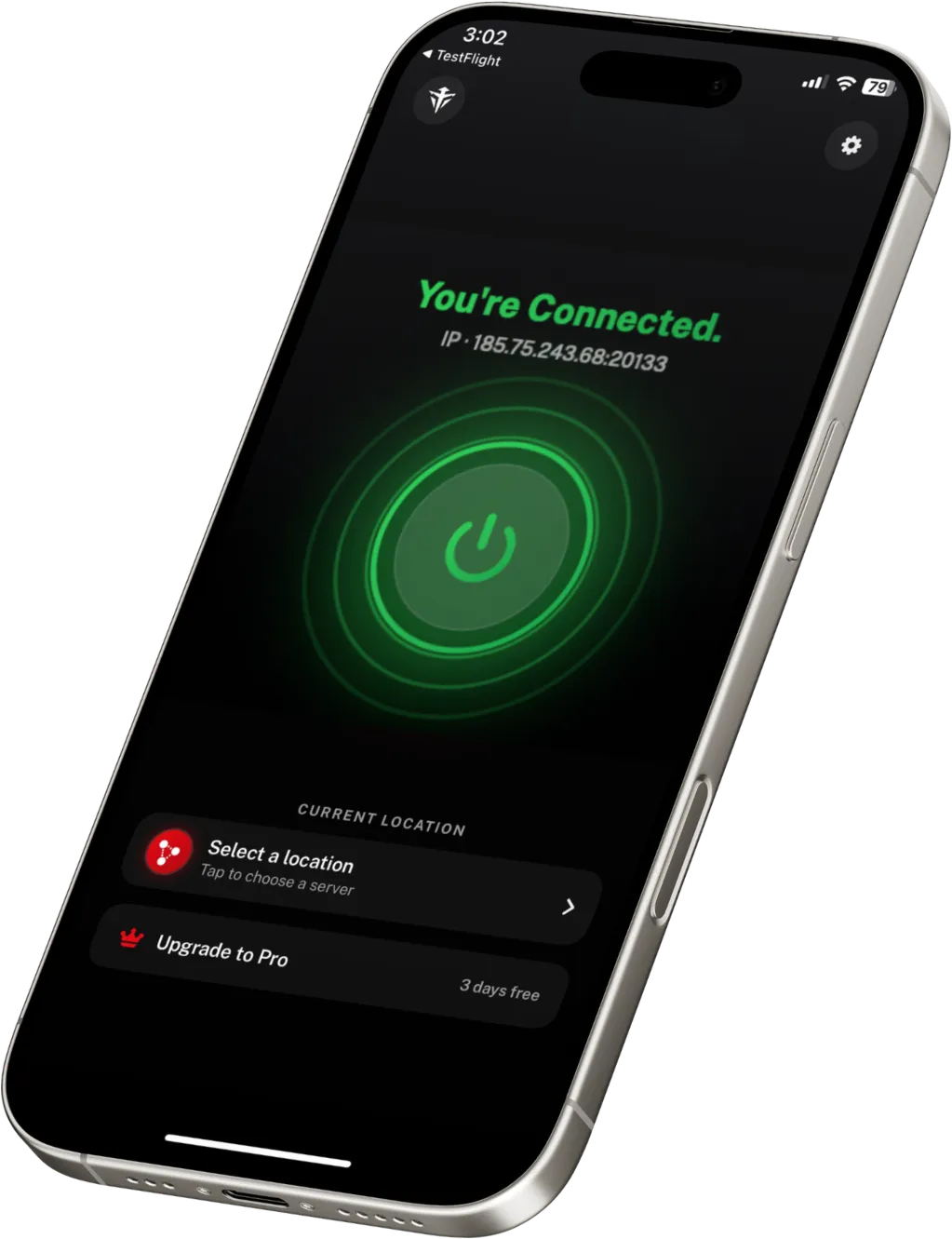
Connect from the main screen and the app shows the exact IP address you have been assigned. No guessing whether it worked.
Automatic failover
Nodes are ranked by measured latency before you connect. A node that fails its handshake is penalised for 120 seconds while Phantom tries the next one, up to three attempts.
Every app is routed
Full-tunnel routing. Safari, Mail, your bank app and everything else go through the tunnel, not just the browser.
Your key stays on the phone
A fresh Curve25519 keypair per connection. The private half goes straight into the iOS keychain and never leaves the phone. Only the public key is sent.
No third-party tracking SDKs
The iOS build ships without third-party ad or tracking SDKs. There is nothing in it quietly reporting your behaviour to someone else.
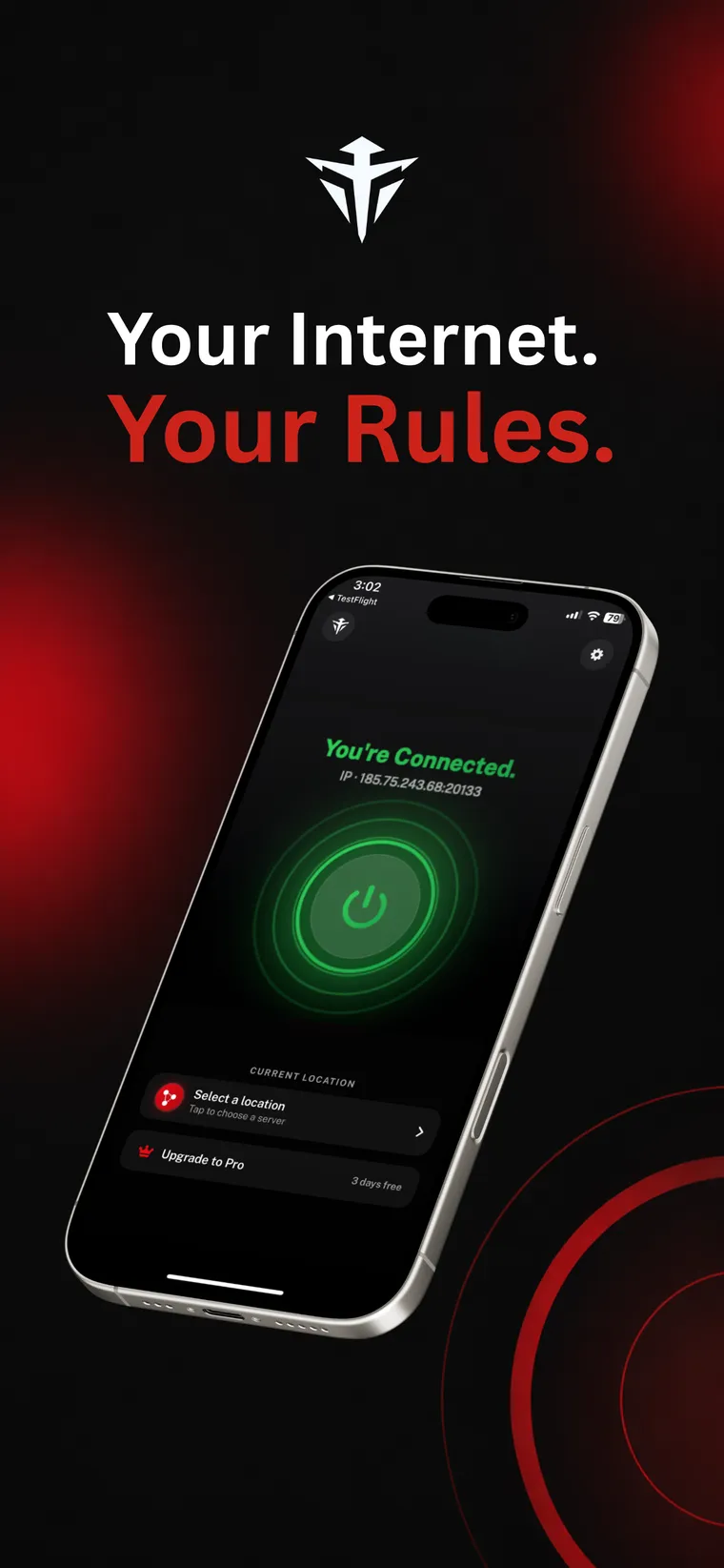
ConnectedThe app shows the IP you were given. 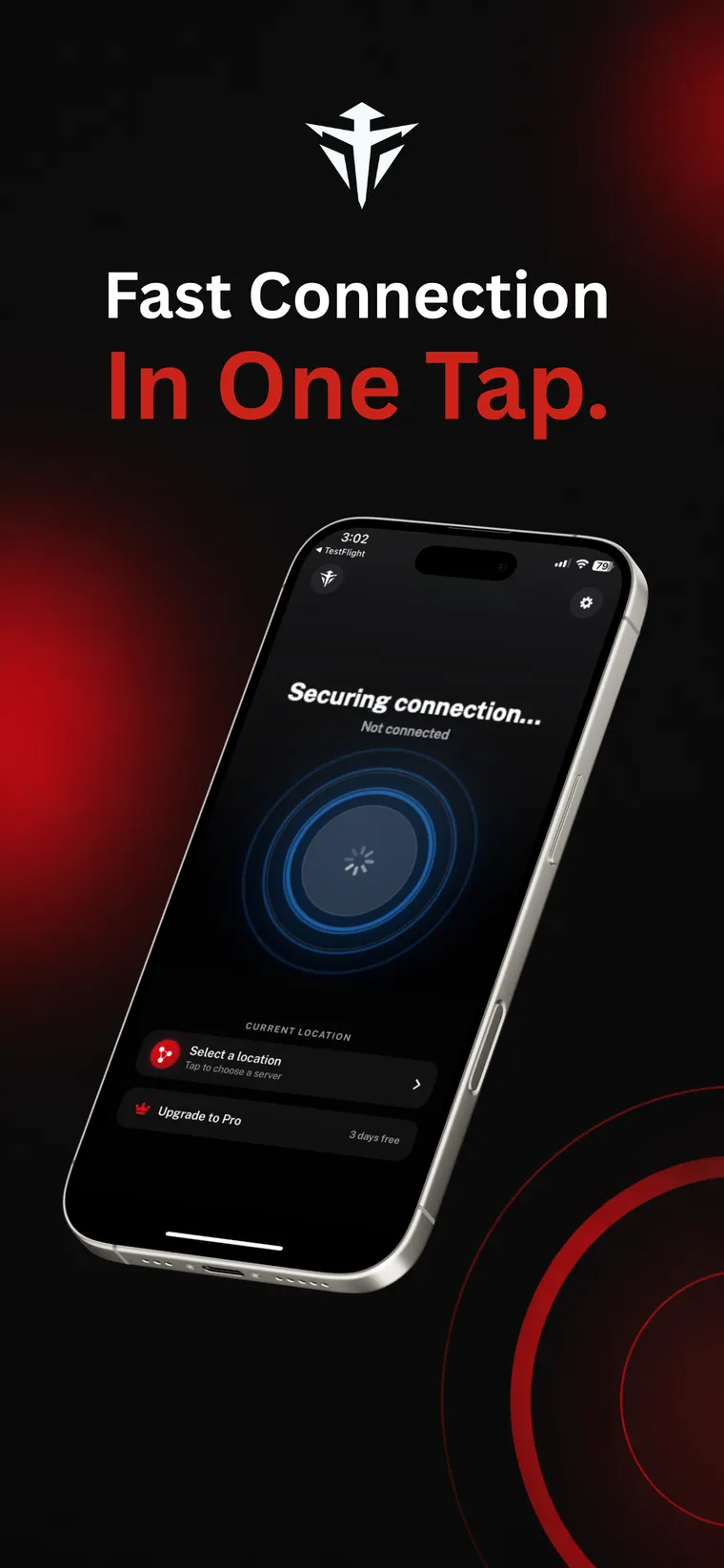
ConnectingNodes ranked by latency, fastest first. 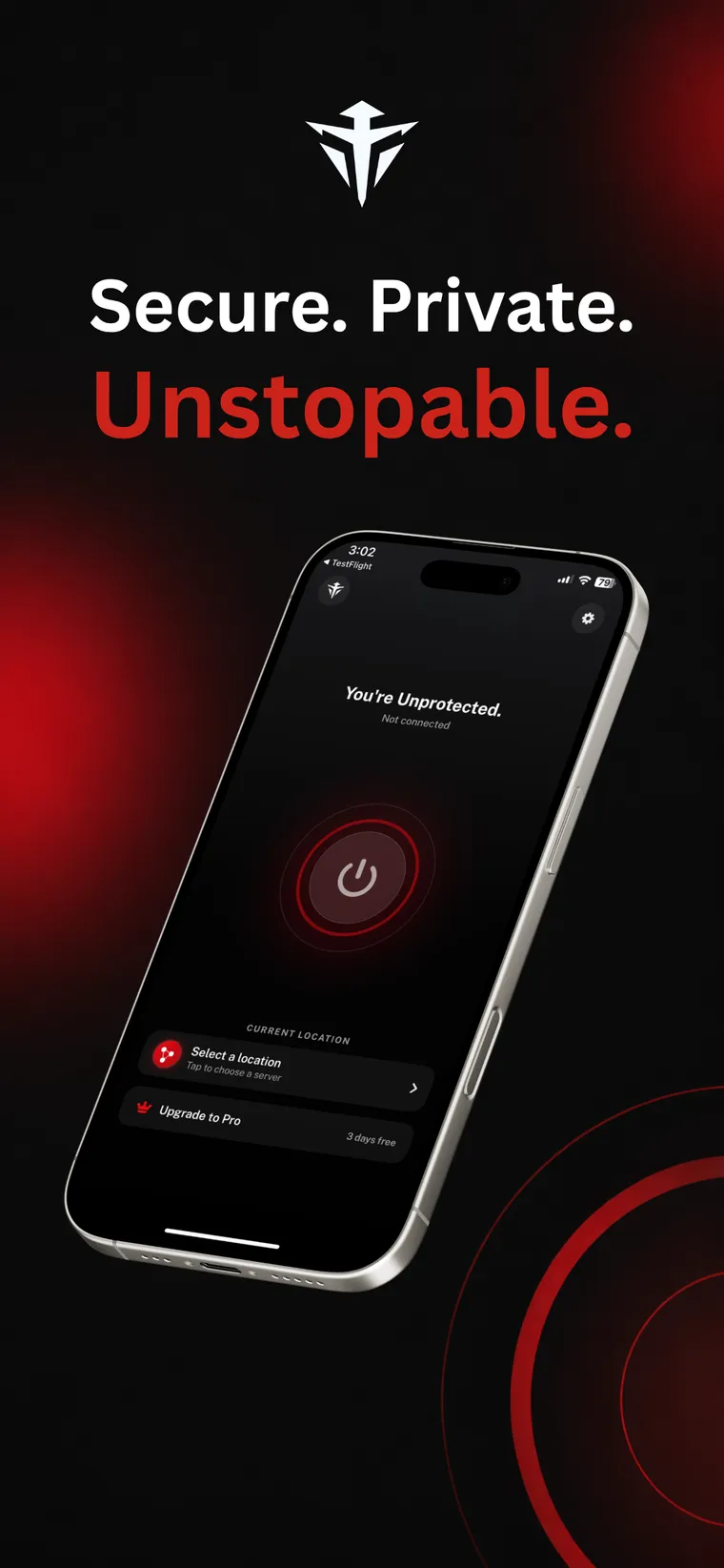
Not connectedRed means exposed. Green means protected.
iPhone questions
Does the tunnel reconnect when I move from Wi-Fi to cellular?
It can, using the iOS on-demand rules. Turn on auto-reconnect in the app settings and the tunnel re-establishes itself when your network changes. It is off by default, because a VPN that switches itself on unprompted is a surprise most people do not want.
Why does iOS ask to add a VPN configuration?
Because a real tunnel has to live at system level rather than inside one app. iOS shows that prompt the first time you connect and you approve it once with Face ID or your passcode. That configuration is what routes every app on the iPhone through WireGuard.
Is Phantom VPN free on iPhone?
Yes. The app is free to download and there is a real free tier: watch an ad of at least 30 seconds and you earn 60 minutes of connection time, up to three ads a day. Premium removes the ads and the time limit.
If I buy Premium on my iPhone, does it work on my other devices?
Yes. Premium is attached to your account, not to the iPhone you bought it on. Sign in on your iPad, Mac or Android phone and it is already active. Phantom VPN 1.0 is a universal build, so the same App Store purchase covers iPhone and iPad.
The phone that goes everywhere with you.
Free to start. Premium from $5.00 a month billed yearly, with a 7 day free trial.