Phantom VPN
for Mac.
A native Swift app that sits in your menu bar and routes the whole Mac through WireGuard. Universal for Apple silicon & Intel, and free to start.
Version 1.0. Requires macOS 14 Sonoma or later. The installer puts the app in /Applications.
- Version
- 1.0
- Installer
- 12.7 MB
- Requires
- macOS 14.0
The same build in the store and the .pkg
A direct .pkg, installs to /Applications
Universal for Apple silicon and Intel
Two ways in. Same app either way.
Pick the Mac App Store if you want updates handled for you. Pick the installer if the store is not an option on this Mac.
From the Mac App Store
Automatic updates. Signed and reviewed by Apple.
- 01
Open the Mac App Store listing and click Get.
- 02
Launch Phantom VPN from Launchpad or /Applications.
- 03
Sign in with an email code, Google, or Apple.
- 04
Click Connect. macOS asks once to add a VPN configuration, because a tunnel needs a system network extension. Approve it.
- 05
Pick a country, or let Phantom pick the fastest healthy node for you.
From the direct installer
A 12.7 MB .pkg served from this site. Installs to /Applications.
- 01
Download the installer. It is 12.7 MB.
- 02
Open the .pkg and follow the installer. Phantom VPN lands in /Applications.
- 03
Open the app and sign in.
- 04
Click Connect and approve the VPN configuration prompt when macOS shows it.
System requirements.
- Version
- 1.0
- Requires
- macOS 14 Sonoma or later
- Architecture
- Apple silicon & Intel
- Installer size
- 12.7 MB
- Installs to
- /Applications
- Publisher
- Capx Ecosystem Apps FZE
Built for the Mac, not ported to it.
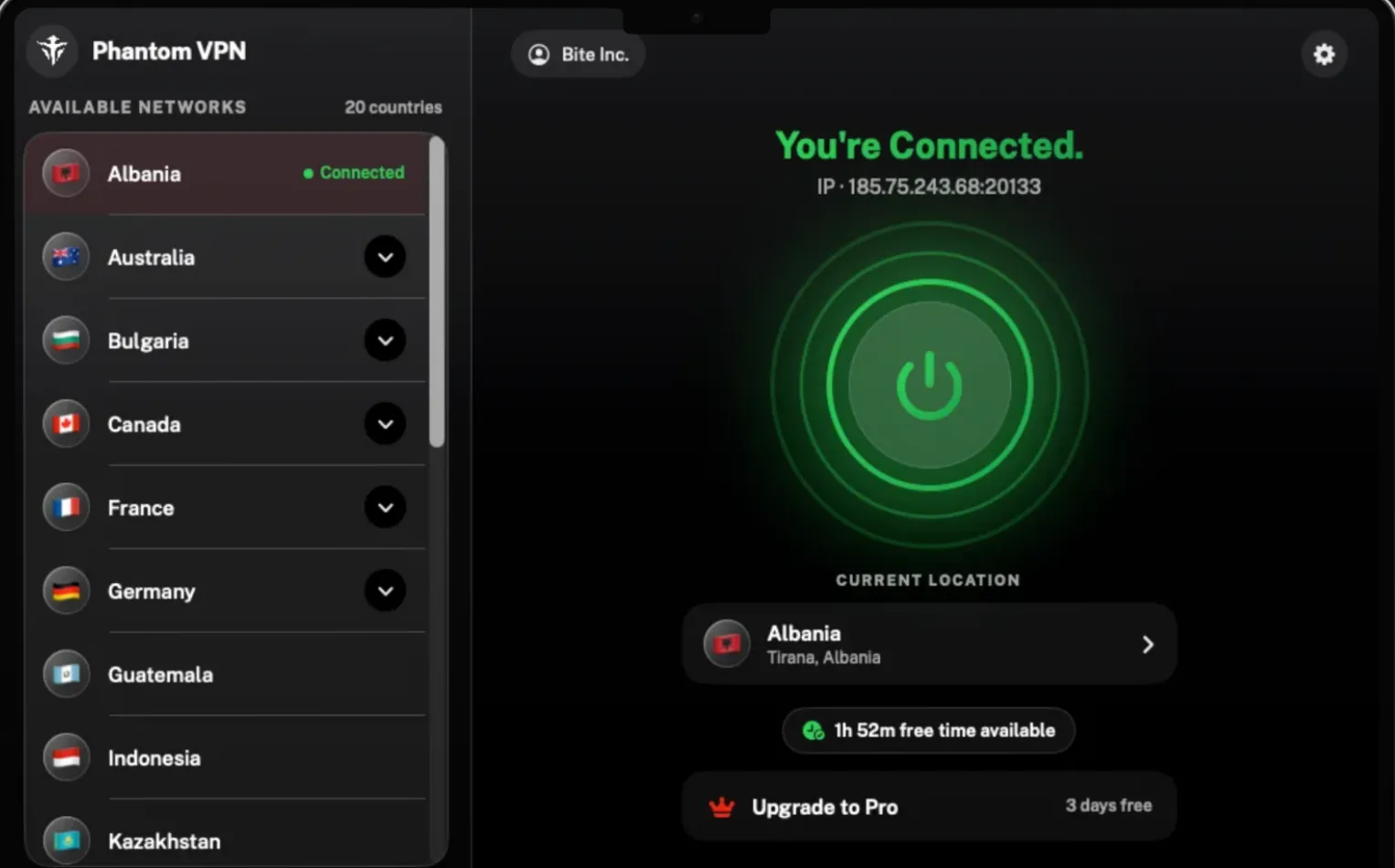
This is the real app on macOS, in the three states you will actually see it in.
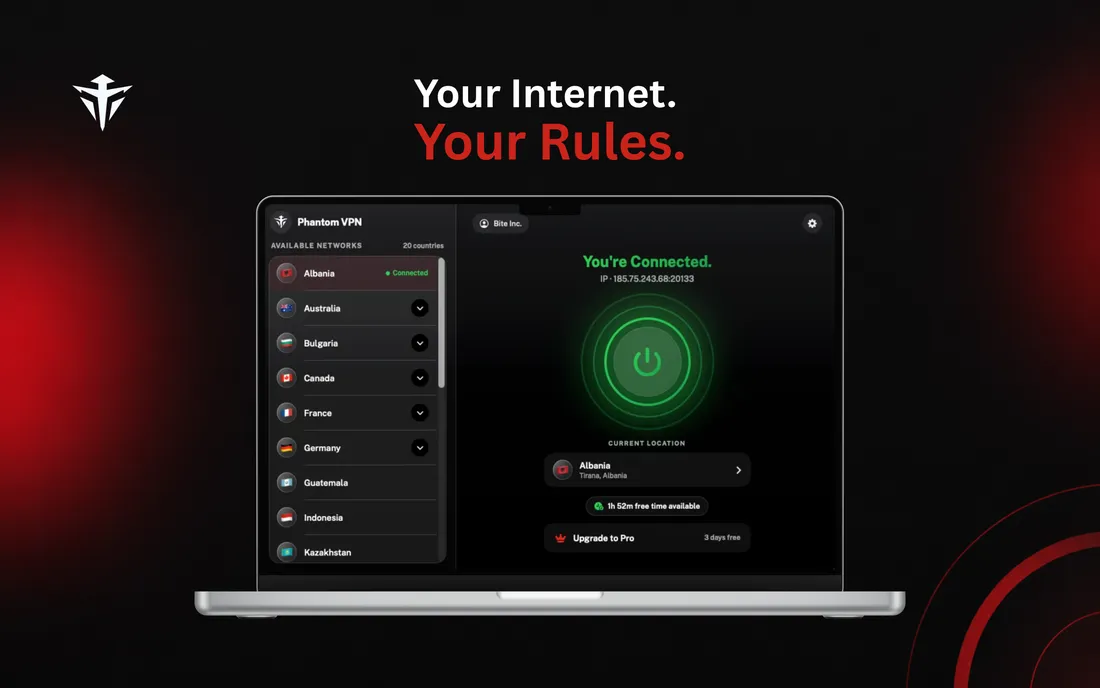
ConnectedThe app shows the IP you were given. 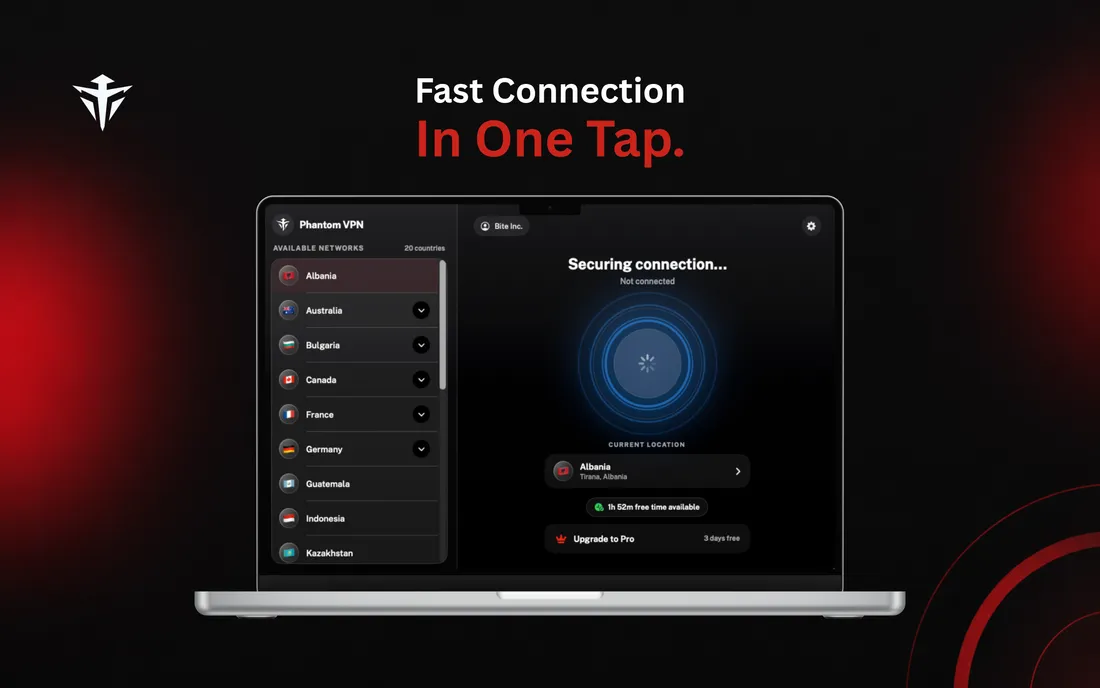
ConnectingNodes ranked by latency, fastest first. 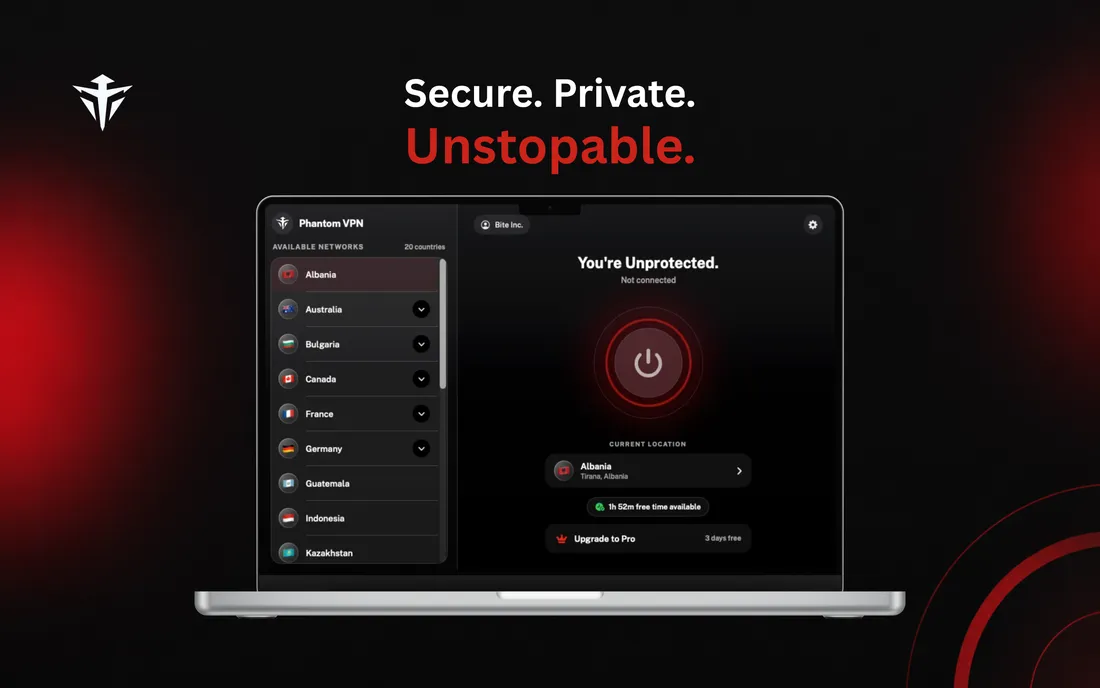
Not connectedRed means exposed. Green means protected.
Lives in the menu bar
Connect, switch country, and check your session from the menu bar without a window in the way. The Dock icon is optional.
Launch at login
Turn it on and Phantom VPN is already running when you sit down. It does not connect behind your back, it just waits for you.
Universal binary
One build for Apple silicon and Intel. No Rosetta, no separate download, no wrong-architecture surprises.
Your key stays in the keychain
A fresh Curve25519 keypair per connection. The private half goes into the keychain on your Mac. Only the public key reaches the node.
Every app is routed
Full-tunnel routing, so your terminal, mail client and browser all go through the tunnel. Not just the browser.
Countries, listed plainly
Nodes grouped by country and ranked by measured latency. More than 15 countries typically have one online.
Mac questions
Should I use the Mac App Store or the direct installer?
They are the same app. The Mac App Store version updates itself and is the simpler choice for most people. The direct .pkg is 12.7 MB, installs to /Applications, and is there for Macs that are managed, offline from the store, or signed in to a different Apple Account than the one you want to use.
Does Phantom VPN run on Apple silicon and Intel Macs?
Both. Phantom VPN 1.0 is a universal build covering Apple silicon & Intel, so the same download runs natively on an M-series Mac and on an Intel Mac. You need macOS 14 Sonoma or later.
Why does macOS ask to add a VPN configuration?
Because a real tunnel has to be installed at the system level, not inside one app. macOS shows that prompt the first time you connect, and you approve it once. That configuration is what lets Phantom VPN route every app on the Mac through WireGuard.
Can I keep it out of the Dock and just use the menu bar?
Yes. Menu-bar mode is built in, so you can connect, disconnect and switch node from the menu bar item alone. Pair it with launch at login and Phantom VPN is simply there when you need it.
Your Mac, off the company grid.
Free to start. Premium from $5.00 a month billed yearly, with a 7 day free trial.