What actually happens when you tap Connect?
Your device makes a key, we go and find you a node, and then the two of them talk to each other without us. That is the whole design. Below is the same sentence with every step spelled out, because a privacy claim you cannot check is just an advertisement.
- Tunnel
- WireGuard
- Key exchange
- Curve25519
- Discovery
- On-chain
The only protocol. There is no second one.
A fresh keypair on every connect
Nodes read from sentinelhub-2
The connection, in the order it happens.
Eight steps. Our name appears in three of them, and none of the three involve your traffic.
- 01
Your device generates a keypair
The moment you tap Connect, the app generates a fresh Curve25519 keypair locally. Not on our servers, and not once at signup. Every connection gets new keys.
- 02
The private half goes into the keychain
The private key is written to the device keychain and stays there. It is never transmitted, never backed up to us, and never held by anyone else. This is what makes the rest of the chain safe to be public.
- 03
Only the public key leaves
The public key is the only piece of your keypair that goes anywhere. It is useless on its own for reading your traffic. That single value is your entire contribution to the handshake.
- 04
The orchestrator queries sentinelhub-2
To find somewhere to send you, our orchestrator reads the Sentinel chain (sentinelhub-2) for nodes that are online and advertising WireGuard. There is no private server list. The same query is open to anyone who wants to run it.
- 05
Candidates get probed and ranked
The returned nodes are measured for latency and sorted fastest first. Nodes that recently failed are pushed down. Ranking happens before you connect, not after you notice it is slow.
- 06
A session opens with the chosen node
The orchestrator starts a session against the top-ranked node and hands it your public key. This is the last point at which we are involved in anything.
- 07
The node returns WireGuard parameters
The node replies with its own public key, its endpoint, and the address it has assigned you inside the tunnel. Everything needed to build the tunnel is now on your device.
- 08
Your device brings the tunnel up, directly
The WireGuard handshake happens between your device and the node, with no one in between. AllowedIPs is set to 0.0.0.0/0 and ::/0, so every packet from every app is routed. From here on, we are not in the path.
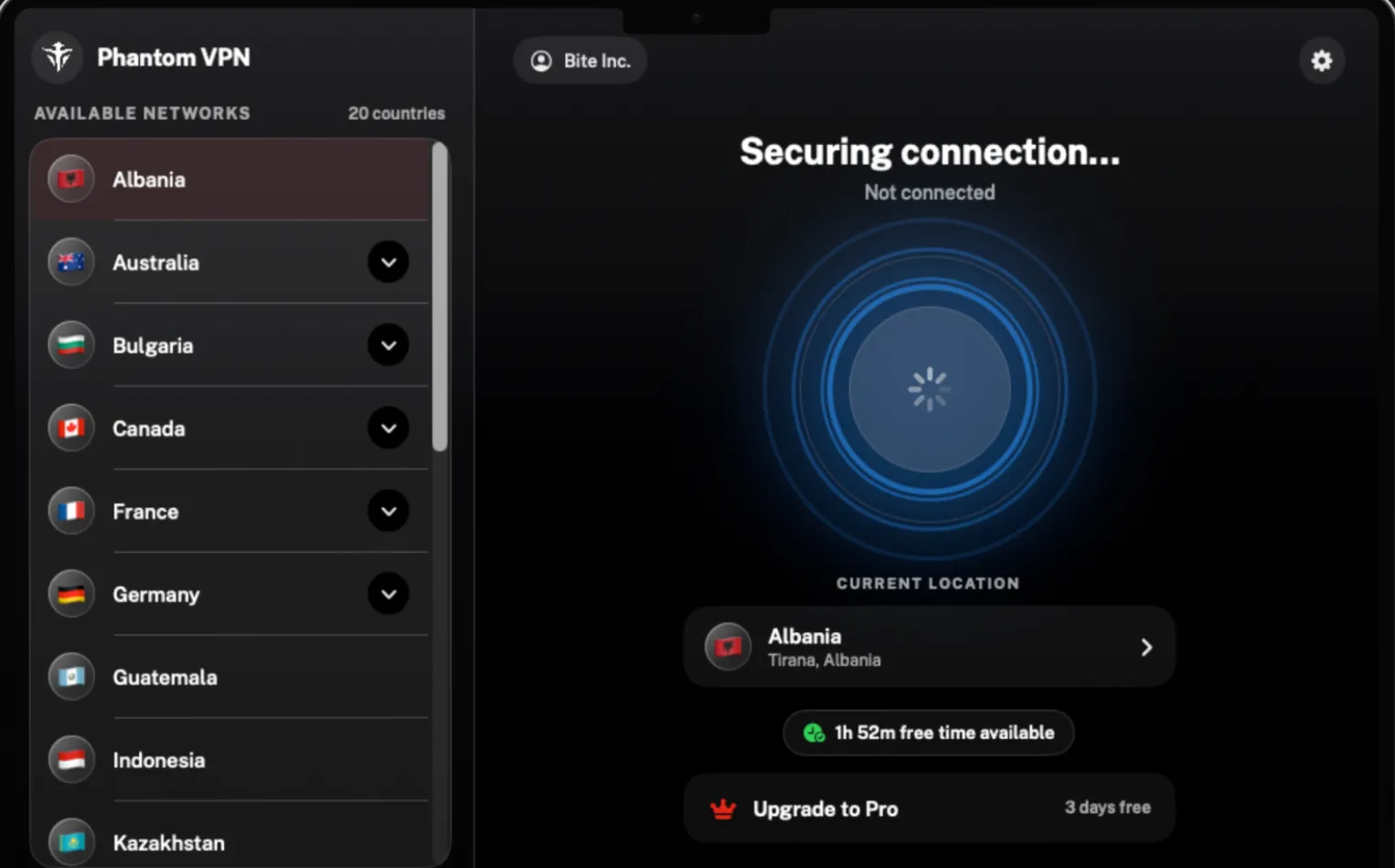
Steps 4 through 7 are what the connecting state is waiting on. It usually lasts a couple of seconds. When it turns green, the handshake is done and the app shows you the exact IP you have been given.
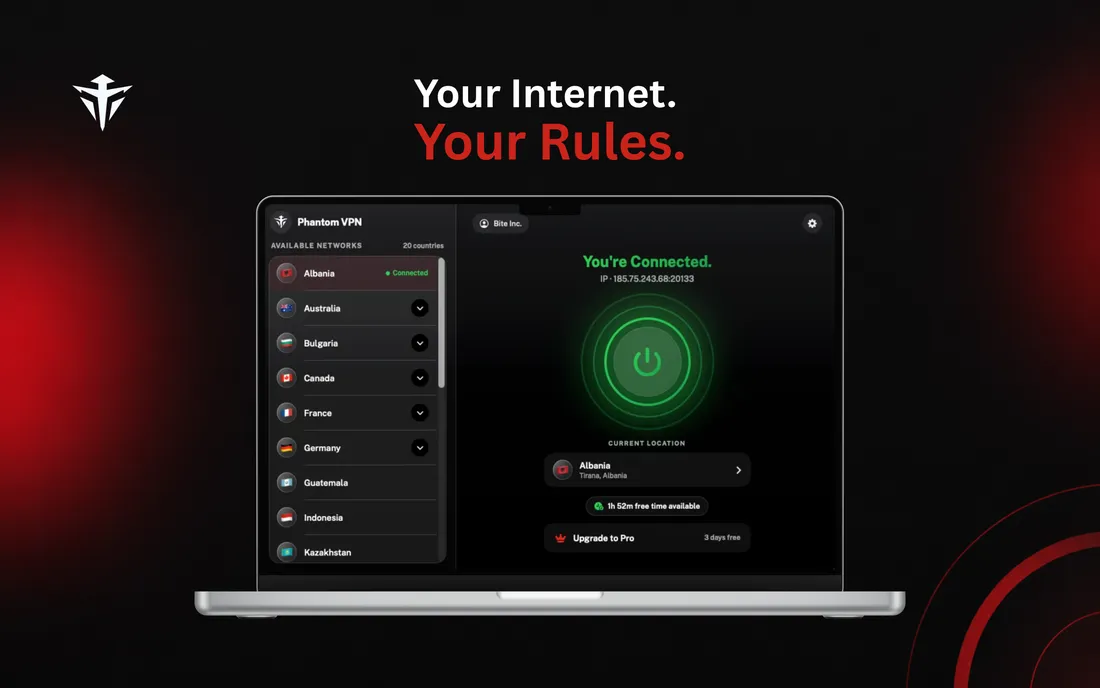
ConnectedThe app shows the IP you were given. 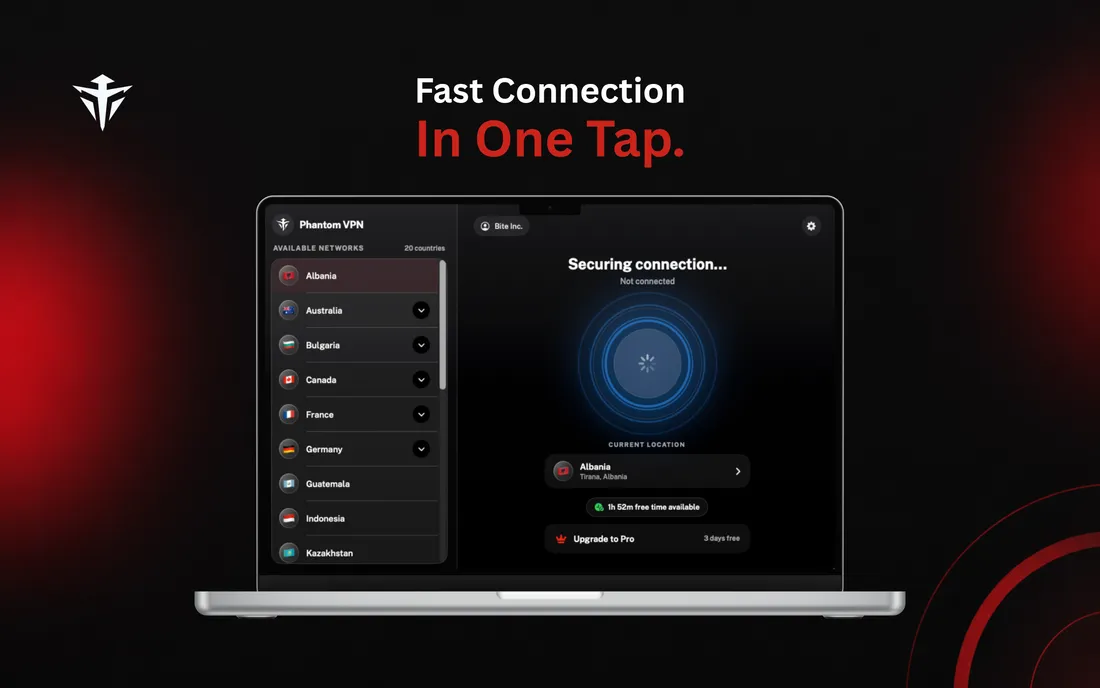
ConnectingNodes ranked by latency, fastest first. 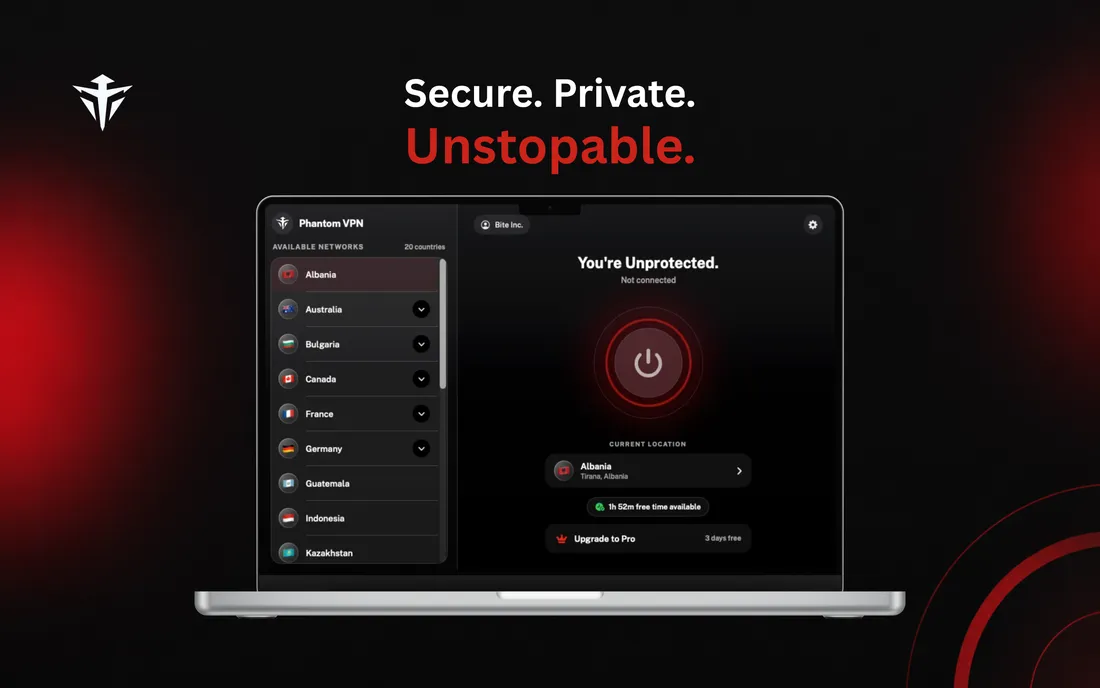
Not connectedRed means exposed. Green means protected.
Why does the private key never leave your device?
Because a key we have held is a key we can be made to produce. WireGuard does not need us to hold one, so we do not.
Fresh every connect
The keypair is not generated once at signup and reused. Every connection produces a new Curve25519 pair, so a key recovered from one session tells an attacker nothing about the next.
The keychain, not the network
The private key is written to the platform keychain. It is never sent to the orchestrator, never sent to a node, and never included in a backup we can read.
A public key is not a secret
The only value that travels is the public key. It lets a node complete the handshake with you. It does not let that node, or us, decrypt anything from a different session.
How does Phantom find a node to send you to?
It reads a public blockchain. There is no internal server list, because there is no server fleet.
The query is on-chain
The orchestrator asks sentinelhub-2 which nodes are registered, online, and advertising WireGuard. That chain is public. You can run the same query yourself and get the same answer we do, which is the point.
The operators are strangers to us
Nodes are run by independent third parties. We do not own them, rent them, or pick who is allowed to run one. Sentinel is permissionless, so operators join and leave whenever they like.
Coverage moves, and we will not pretend otherwise
We say 15+ countries and treat it as a floor. A live count would be out of date within the hour, so the app shows the real list at the moment you connect. Any VPN quoting a fixed node number is quoting a fleet it controls.
What happens when a node goes bad?
Phantom assumes it will. Independent operators come with no SLA, so failover is not an edge case in this design, it is part of the normal path.
Rank
Latency decides
Candidates are probed and sorted by measured latency before a session is started. You get the fastest healthy node, not the first one that answered.
120s
A failure has a cost
Miss a handshake and that node is penalised for 120 seconds. It falls down the ranking instead of being offered to you again immediately.
3
Then we stop lying to you
Phantom tries up to 3 nodes. If all three fail, the app says the connection failed rather than spinning forever and leaving you unsure whether you are protected.
Network changes
On iPhone, iPad and Mac, Phantom can re-establish the tunnel by itself when you move from Wi-Fi to cellular, using an on-demand rule. It is off by default, so you have to turn it on in settings. It is not available on Android yet. Two things Phantom does not have: a kill switch, and split tunnelling. If the tunnel drops and auto-reconnect is off, your device uses its normal connection until you reconnect.
The whole thing on one page.
Every value below is read out of the shipping app, not out of a positioning deck.
| Tunnel protocol | WireGuard. There is no second option. |
|---|---|
| Key exchange | Curve25519, a new keypair on every connect |
| Private key storage | The device keychain. Never transmitted. |
| What leaves your device | The public key, and nothing else from the keypair |
| Node discovery | An on-chain query to sentinelhub-2 |
| Node selection | Ranked by measured latency, lowest first |
| Routing | AllowedIPs 0.0.0.0/0 and ::/0. Full tunnel. |
| DNS | Cloudflare 1.1.1.1 and 1.0.0.1, pushed by the tunnel |
| Our role during traffic | None. The tunnel is device to node. |
| Failed handshake | Node penalised for 120 seconds, next candidate tried |
| Retry budget | Up to 3 attempts before the app reports a failure |
So what is the orchestrator for?
What it does
- Queries sentinelhub-2 for live WireGuard nodes.
- Probes candidates and ranks them by measured latency.
- Starts your session and passes along your public key.
- Meters free minutes and knows whether your account is premium.
What it cannot do
- Carry your traffic. The tunnel does not route through it.
- Decrypt your session. It never had the private key.
- See the sites you visit or the DNS you resolve.
- Hand over a server fleet in a subpoena. There is no fleet.
We do keep operational records: connect and disconnect events, which node and when, minutes used, and the email on your account. Signing in is required, so your account is not anonymous. The full inventory, with a reason for every row, is on the privacy page.
See exactly what we keepThe technical questions
Where is the private key stored?
In your device keychain, and nowhere else. It is generated on the device at connect time and never transmitted. We only ever receive the public key, which cannot decrypt your traffic. If we were ordered to hand over your keys, we would have nothing to hand over.
Does my traffic pass through Phantom VPN servers?
No. Our orchestrator finds a node, ranks candidates by latency, and starts your session. Once the node returns its WireGuard parameters, the tunnel is built directly between your device and that node. Your packets never touch our infrastructure, which is why your browsing is not ours to log.
How does Phantom VPN find a node?
By reading the Sentinel chain. The orchestrator queries sentinelhub-2 for nodes that are online and advertising WireGuard, then probes the results for latency. The node list is public, so you do not have to take our word for what is out there.
What happens if a node fails?
The app moves on. A node that fails its handshake is penalised for 120 seconds so it drops down the ranking, and the next healthiest candidate is tried. Phantom makes up to 3 attempts before it tells you the connection failed.
Does every app on my device go through the tunnel?
Yes. Phantom sets AllowedIPs to 0.0.0.0/0 and ::/0, which is a full tunnel. Every app is routed, not just your browser. There is no split tunnelling, so you cannot exempt individual apps.
Which DNS does the tunnel use?
The tunnel pushes Cloudflare resolvers, 1.1.1.1 and 1.0.0.1. Your queries travel inside the tunnel to the node and are resolved by Cloudflare, so we never see them. We will not claim your DNS stays inside the decentralized network, because it does not.
Now watch it do exactly that.
Free to start. The app shows you the node, the country and the IP every time.